How to Turn Illustrations into Dynamic Video Scenes
An illustration can hold an incredible amount of energy in a single frame — a pose mid-motion, a color palette that practically hums, a composition built entirely around implied movement. What it can't do on its own is deliver on that promise.
With image to video technology, illustrators finally have a direct path from a finished piece to an actual moving scene, without opening a single animation timeline. Dreamina, powered by its latest and most advanced video generation model, Seedance 2.5, turns static illustration work into dynamic video that finishes what the drawing already started.
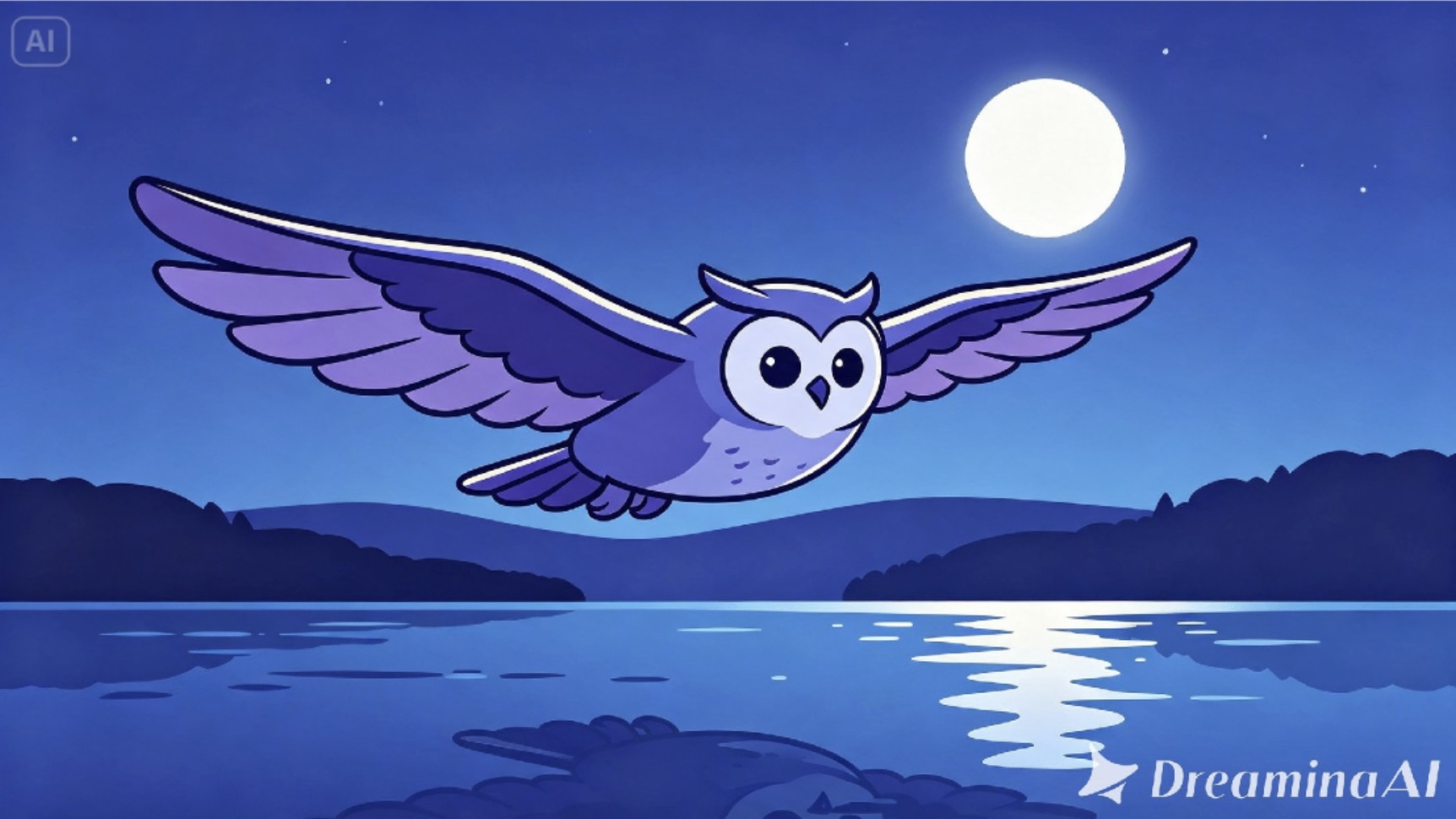
Illustrations are built around implied motion
Look closely at almost any strong illustration, and you'll notice deliberate choices meant to suggest movement that hasn't technically happened — a diagonal composition, a windswept cape, a character caught mid-stride. Illustrators have always designed around this instinct because actual animation wasn't accessible to most of them. Video generation simply gives that instinct somewhere to finally land.
What changes once an illustration starts moving
Turning a still illustration into a scene shifts how an audience experiences it in a few specific ways:
- The implied energy in a pose becomes real, observable motion
- Atmosphere elements like wind, light, or particles add depth the flat art alone couldn't
- Viewers tend to watch longer, since motion naturally holds attention better than a static post
Setting the scene in motion: Three steps with Dreamina
Step 1: Upload your illustration and set the action
Visit Dreamina and sign in, then head to the "AI Video" section. Click "Add reference image" to upload your illustration, then add your prompt to describe the video.
For a 30-second video, try: Using the polar bear and snowy mountain from the reference image, generate a 30-second video: the polar bear leaping forward through the snow, wind swirling around its paws, dappled sunlight flickering through the canopy, camera tracking alongside the bear before pulling back to reveal the full snowy mountain in the final seconds
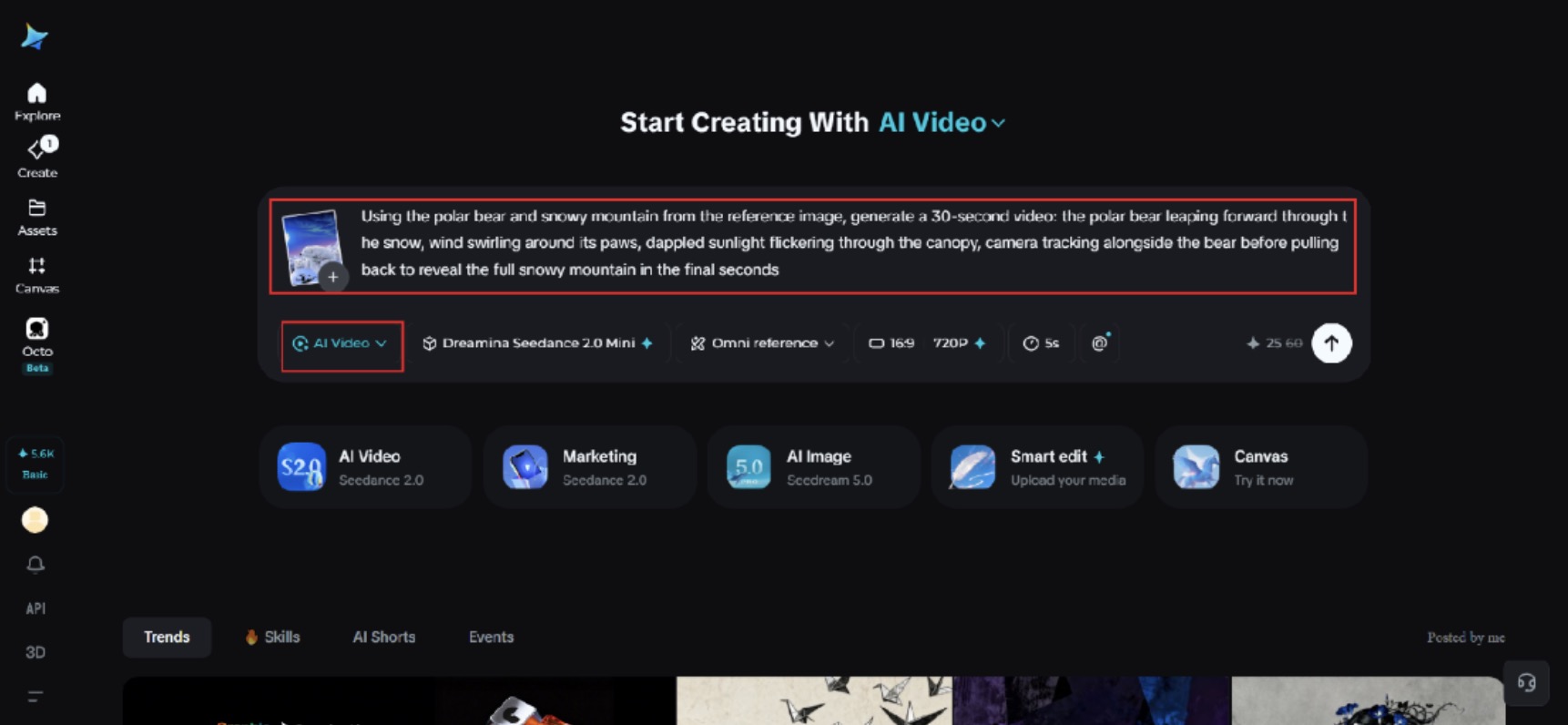
Step 2: Bring it to life with Seedance 2.5
After adding your image and prompt, choose the Seedance 2.5 model for the generation. Next, choose the video length, then a suitable aspect ratio — pick 16:9 for YouTube or 9:16 for TikTok. Finally, click Dreamina's icon and wait a few seconds for processing.
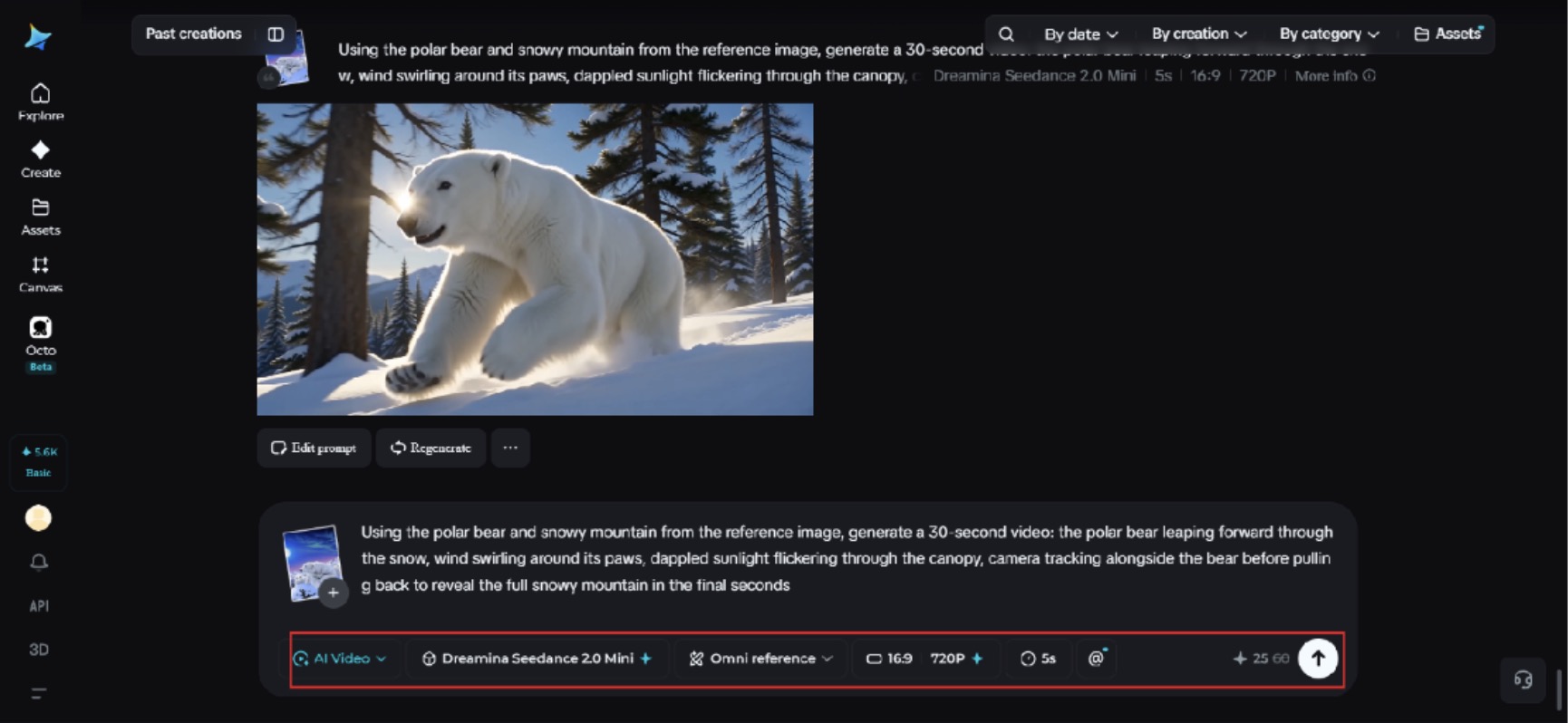
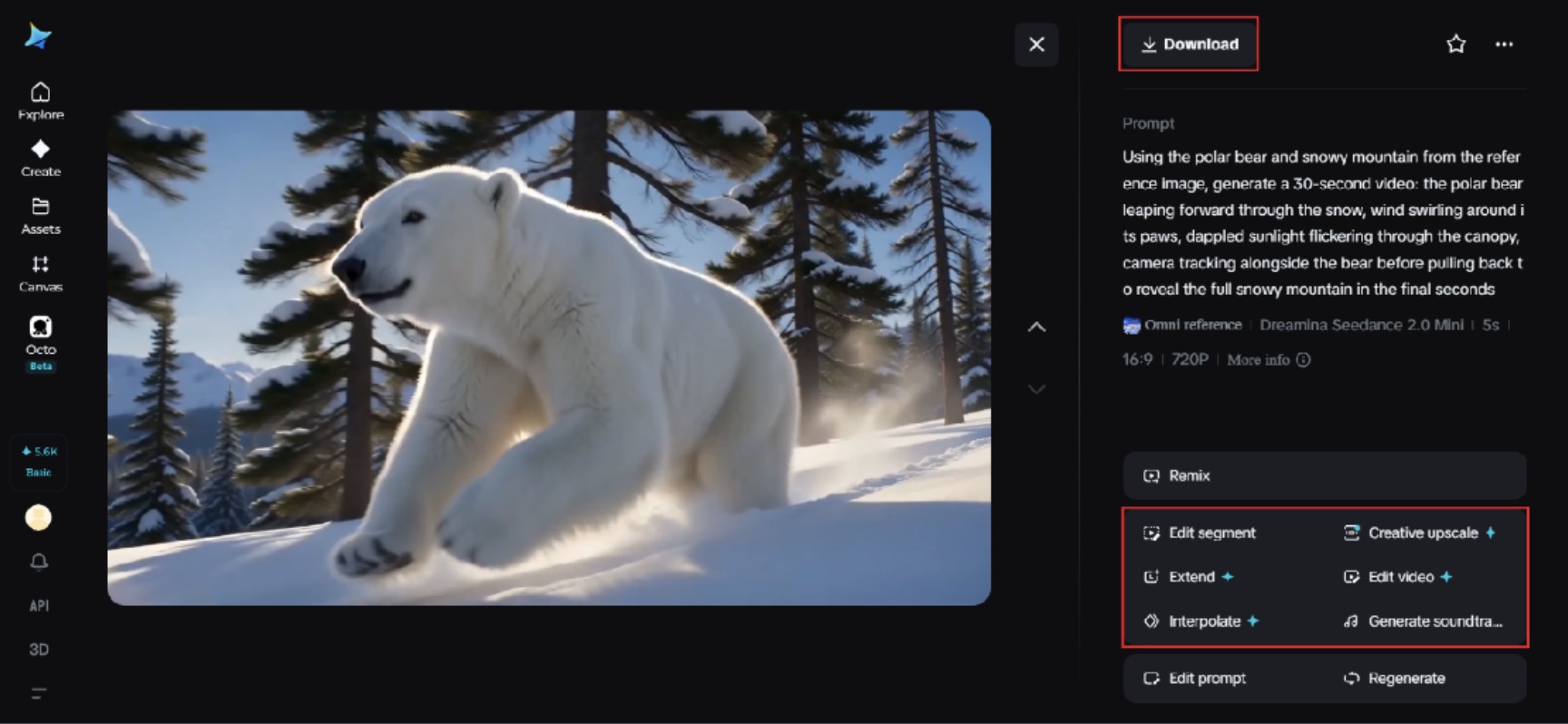
Step 3: Polish and share your scene
Polish your video before saving it with Dreamina's AI editing tools. Use advanced AI tools like Upscale for higher resolution or Generate soundtrack for adding audio. Finally, export and share it on social media platforms.
Choosing illustrations that translate well into motion
Not every piece is an equally strong candidate. Illustrations with a clear subject, a pose that already implies direction, and a relatively simple background tend to animate far more convincingly than busy, evenly weighted compositions where the model has to guess what should move.
Seedance 2.5: The engine behind believable illustrated motion
Preserving artistic style through creativity transfer
Rather than flattening illustration into generic video motion, Seedance 2.5 is capable of creativity transfer — picking up on a piece's emotional tone and visual style so it still looks unmistakably like the original art once it's moving.
Solving duplication in character-driven scenes
The model specifically addresses the "twin" issue, where a single character used to split into look-alike duplicates due to spatiotemporal inconsistency, keeping illustrated characters singular and consistent throughout a clip.
Longer clips for fuller sequences
Native generation supports clips up to 30 seconds, with the "Ultra-long Video Generation (beta)" mode extending that range up to 180 seconds, giving an illustrated scene room to build rather than loop too quickly.
Precise local editing for small fixes
Local editing allows specific elements — a stray object, an unwanted detail — to be adjusted or removed without regenerating the entire animated illustration.
Working from sketches instead of finished art
Sometimes the reference image doesn't need to be a fully finished illustration. Rough sketches with clear poses and strong silhouettes can still animate convincingly, which makes this approach useful even earlier in an illustrator's process, before a piece is fully colored and rendered.
Keeping motion proportional to the style
A bold, graphic illustration style tends to suit confident, clear motion, while a softer, painterly piece often calls for gentler, more atmospheric movement. Matching the intensity of motion to the intensity of the original art style keeps the final result feeling cohesive rather than mismatched.
Considering frame rate expectations for different platforms
Different platforms subtly favor different pacing, and a scene that feels dynamic on one may feel rushed on another. Reviewing how similar animated illustration content performs on the intended platform before finalizing a prompt's pacing description can help avoid a mismatch between the motion style and where it will actually be watched.
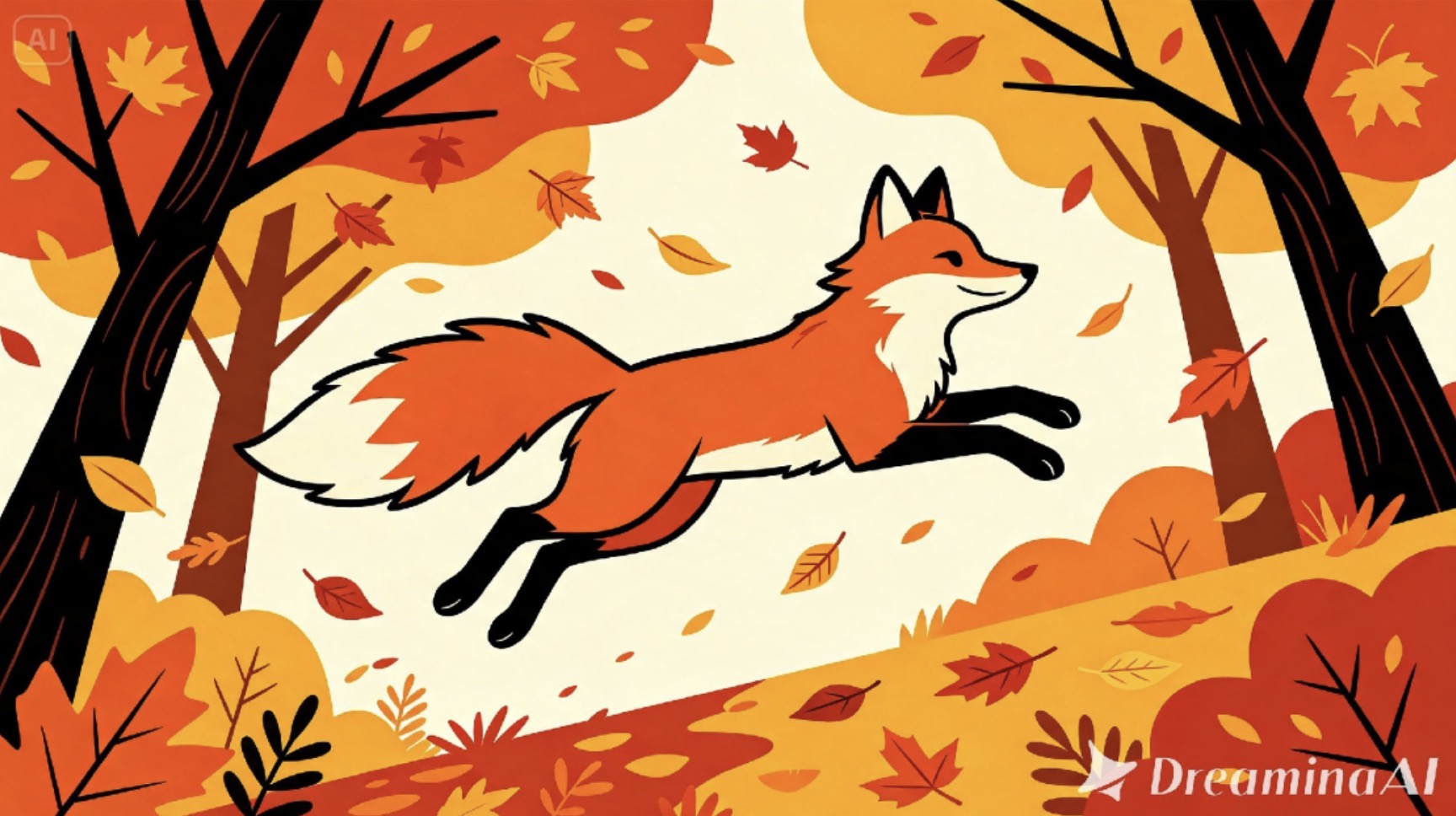
Common mistakes when animating character illustrations
A handful of habits tend to undercut otherwise strong results:
- Describing too many separate actions happening at once
- Backgrounds that compete visually with the main character
- Vague direction like "make it move" instead of specific motion and pacing
Turning a single illustration into a content series
One animated piece rarely has to be the end of the road. The same character or scene can support a slower atmospheric version, a faster action-driven cut, and a close-up detail clip, all generated from the same source illustration and useful across different platforms and posting formats.
Where animated illustrations get the most use
This format fits naturally into character portfolio reels, game concept art reveals, animated series pitches, and social content for original illustrated work, where a piece that moves tends to draw noticeably more engagement than one that only ever appears in still form.
Final thought
An illustration was always a story waiting for its next frame. With Dreamina and the style-aware precision behind Seedance 2.5, that next frame can finally exist, letting a single piece of art step off the page and into a scene worth watching.
